
How to fix mobile hanging problem
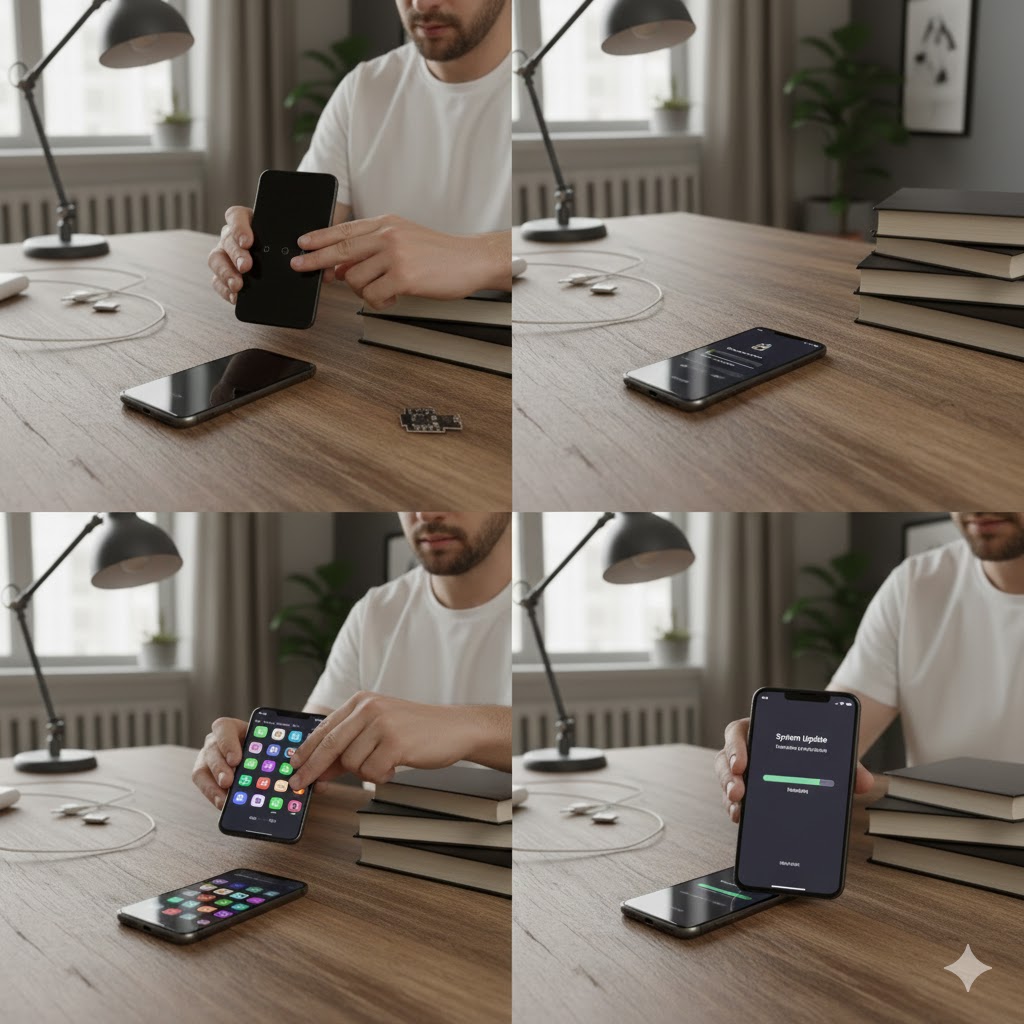
To fix a hanging phone, restart it, close background apps, clear app caches/storage, update software, delete unused files to free up space (keep 15%+ free), and consider disabling animations or using Lite apps; for persistent issues, try Safe Mode or a factory reset as a last resort.
Immediate way to Fix mobile hanging problem
1-Restart Your Phone
A simple reboot clears temporary files, closes background processes, and refreshes the system, fixing many glitches.
2-Free Up Storage (Most Important Fix)
Low storage is the #1 reason for hanging.
Keep 3GB–5GB free space.
Delete unnecessary videos, WhatsApp media, screenshots.
Clean large and duplicate files.
Move photos to cloud or PC.
3-Close Background Apps
Swipe up to see recent apps and close them to free up RAM and resources.
4-Force Restart (if frozen)
Hold the power button (and volume down) for 10-30 seconds until it reboots.
5-Clear Cache
Cache buildup can slow down the system.
Fix:
Go to Settings → Storage → Cached Data → Clear
Clear cache of heavy apps (YouTube, TikTok, Facebook).
6-Update Software
Old software may cause bugs & lag.
Fix:
Go to: Settings → Software Update → Check
Install the latest update.
7-Remove Viruses / Malware
Downloading MOD APKs, cracked apps, or unknown apps can cause hanging.
Fix:
Open Play Store → Play Protect → Scan
Disable “Unknown Sources”
Uninstall suspicious apps
8-Delete Heavy / Unused Apps
Apps like Facebook, TikTok, Instagram consume too much RAM.
Fix:
Use Lite versions (Facebook Lite, Messenger Lite).
Uninstall apps you don’t use.
9-Check Battery Health
Weak/old batteries slow down the processor → causes hanging.
Fix:
Check battery health in settings (if supported).
If battery health is below 70% → Replace battery.
10-Factory Reset (Last & Powerful Solution)
If nothing works:
Fix:
Backup all your data.
Go to:Settings → System → Reset → Factory Data Reset
Advanced Solutions to fix mobile hang
Safe Mode
Restart in Safe Mode to see if a downloaded app is the culprit (all third-party apps temporarily disabled).
Disable Animations
In Developer Options (tap Build Number 7x in About Phone), turn off Window/Transition/Animator scales to speed things up.
Factory Reset
As a last resort, back up data and factory reset (Settings > System > Reset) for a fresh start.
Causes of mobile hang
Too many apps running/installed.
Low storage space.
Outdated software.
Too much cached data.